
Anatomy of an agent
An agent looks like one thing in the dashboard, but it's really six independent parts. Understanding which part causes which behaviour is the difference between fixing a problem in a minute and guessing for an hour.
These map almost exactly onto the tabs you'll see when you open an agent: Agent Overview, Knowledge Base, Analysis, Tools, Test, Advanced.
1. Identity
Name, language, status, and the opening line the caller hears.
| Field | What it does |
|---|---|
| Name | For you, not the caller. Use something you'll recognise in a list of twenty. |
| Description | Internal note. Never spoken. |
| Greeting | The first thing the caller hears. See below. |
| Language | The language the agent speaks. |
| Status | Live or Paused. New agents are Live. |
The agent also carries an allowed domain, set automatically to the dashboard when the agent is created and not editable from the dashboard UI. It only applies when you embed the browser widget on a website. It is not part of building the prompt, voice, or phone behaviour.
The greeting sets the whole call
The greeting is the agent's opening line, and callers calibrate against it immediately. A vague opener produces vague callers:
Hello, how can I help you?Thanks for calling Northwind Plumbing, this is Sam. Are you calling about
a booking or an existing job?The second names the business, names the agent, and offers two paths. Callers who are given options answer in-scope; callers who are given an open question say anything at all.
2. System prompt
The most important field on the agent, and the one worth the most of your time.
It defines who the agent is, what it's trying to accomplish, what it must never do, and how it should sound. Everything else is machinery — this is the behaviour.
The prompt supports placeholders, filled per call, so one agent can greet a named customer or reference their order without a separate agent per case.
Full treatment: Writing the system prompt.
3. Voice
Which TTS provider and voice, plus speed, pitch, volume and optionally an emotion.
Two things people learn the hard way:
- Provider choice is a latency and cost decision, not only a taste one. The gap between the fastest and slowest provider is larger than the gap between a good and bad voice.
- Voices are provider-specific. Changing provider invalidates your voice selection; pick the provider first, then the voice.
Browse and preview under Voices. See Choosing a voice.
4. Brain
Which model reasons about the conversation, and its token budget.
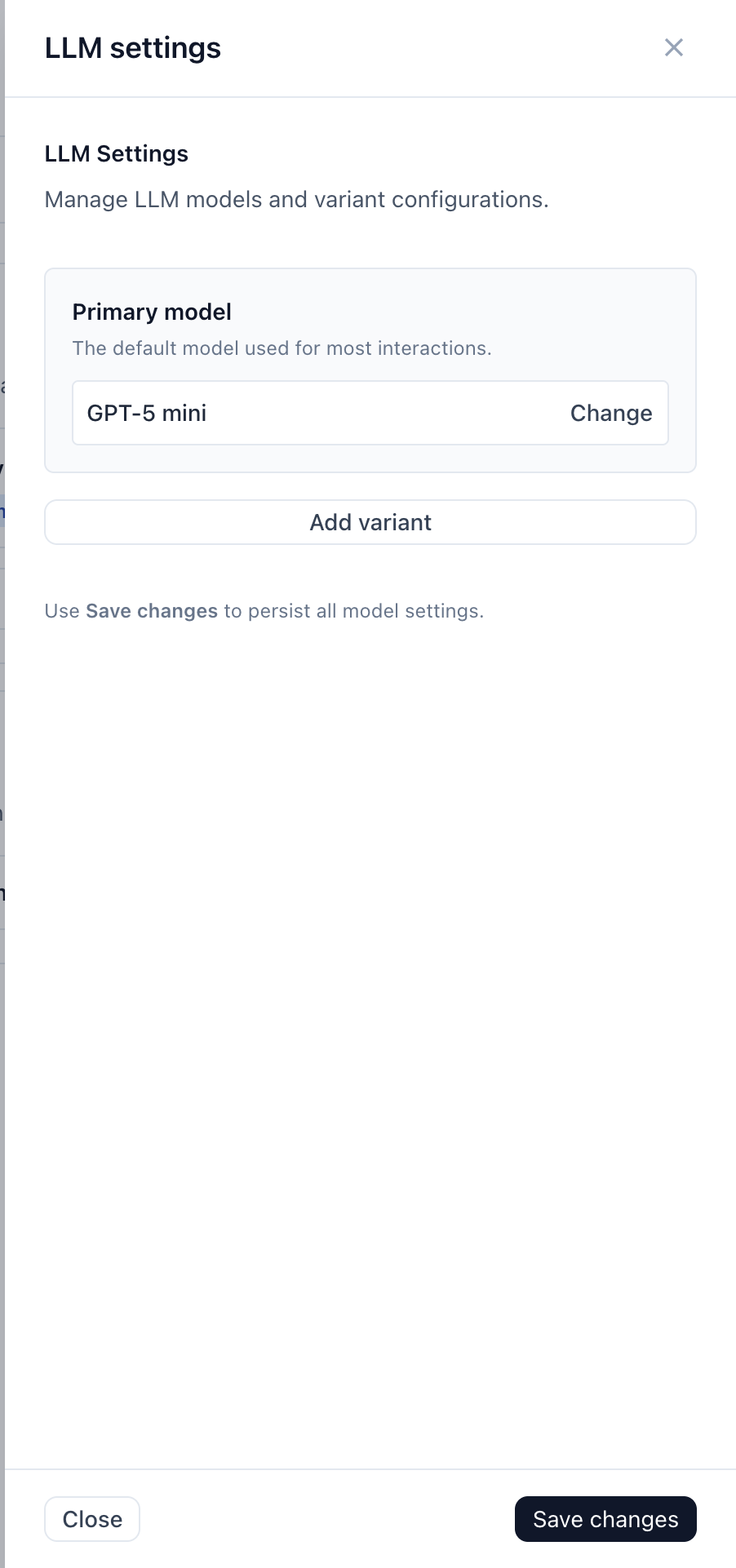
The model affects three things simultaneously: how well the agent follows your prompt, how fast it replies, and how much a call costs. Faster models make snappier calls but follow complicated instructions less reliably. If your prompt has many conditional rules and the agent keeps skipping one, a stronger model often fixes it faster than more prompt wording.
Token budget caps reply length. For voice, small is correct — a 250-token reply is already around 30 seconds of speech, which is far longer than anyone wants to listen to without a turn.
TIP
Available models depend on your plan. A model your plan doesn't permit is rejected when you save the agent, not silently ignored.
5. Knowledge
Documents the agent searches during calls, on its own initiative, when the conversation calls for it.
Worth repeating because it surprises people: the knowledge base is not in the prompt. The agent decides to search, waits for results, then answers. This means:
- Adding documents doesn't slow every turn — only the turns that search.
- The agent can only find what's actually indexed. A freshly uploaded file takes a moment.
- If it can't find something, it says so rather than inventing an answer, provided your prompt tells it to.
See Knowledge base.
6. Tools
What the agent can do, as opposed to say. Assigned per agent from Tools.
Give an agent only the tools it needs. Every tool is another option the model weighs on every turn, and an agent with fifteen tools makes worse choices than one with four. See Tools.
Underneath: runtime settings
The Advanced tab holds the operational settings: the outbound source phone number, availability (Live/Paused), usage minutes, auto-hangup with a max duration and farewell message, and a danger zone for resetting or deleting the agent.
None of it is needed on day one. The one setting worth knowing about is auto-hangup: it's off by default, and its farewell message is only spoken when a max duration is set — it's the timer cut-off line, not the agent's normal sign-off.
Speech timing and barge-in sensitivity are not here. They exist in the runtime configuration but aren't exposed in the dashboard. If the agent interrupts or lags, work the prompt and test it first.
Two things that aren't part of the agent
Worth separating, because people look for them in the wrong place:
- Phone numbers belong to the workspace and are assigned to an agent. One agent can be reached several ways.
- Integrations are connected once per workspace. Agents draw tools from them, but don't own them.
Which part do I change?
| Symptom | Part | Page |
|---|---|---|
| Says the wrong thing, or too much | System prompt | System prompt |
| Sounds robotic, too fast, wrong accent | Voice | Choosing a voice |
| Ignores an instruction it should follow | LLM model, then prompt | Brain |
| Doesn't know something it should | Knowledge base | Knowledge base |
| Can't perform an action | Tools | Tools |
| Interrupts, or waits too long | Not dashboard-tunable | Testing your agent |
Next
- What happens during a call
- Quickstart — build one now